Introduction to the World of Computers
ITEC 101: Introduction to Information Technology

Mr. Seng Theara
Learning Outcome
- Explain what makes a device a computer.
- Identify Input → Processing → Output → Storage → Communication in real systems.
- Distinguish data from information.
- Classify hardware by function.
- Distinguish hardware, system software, and application software.
- Recognize major computer types and justify the classification.
Introduction to the World of Computers
Introduction to the World of Computers
What actually counts as a computer?
Introduction to the World of Computers
Which of these are computers?
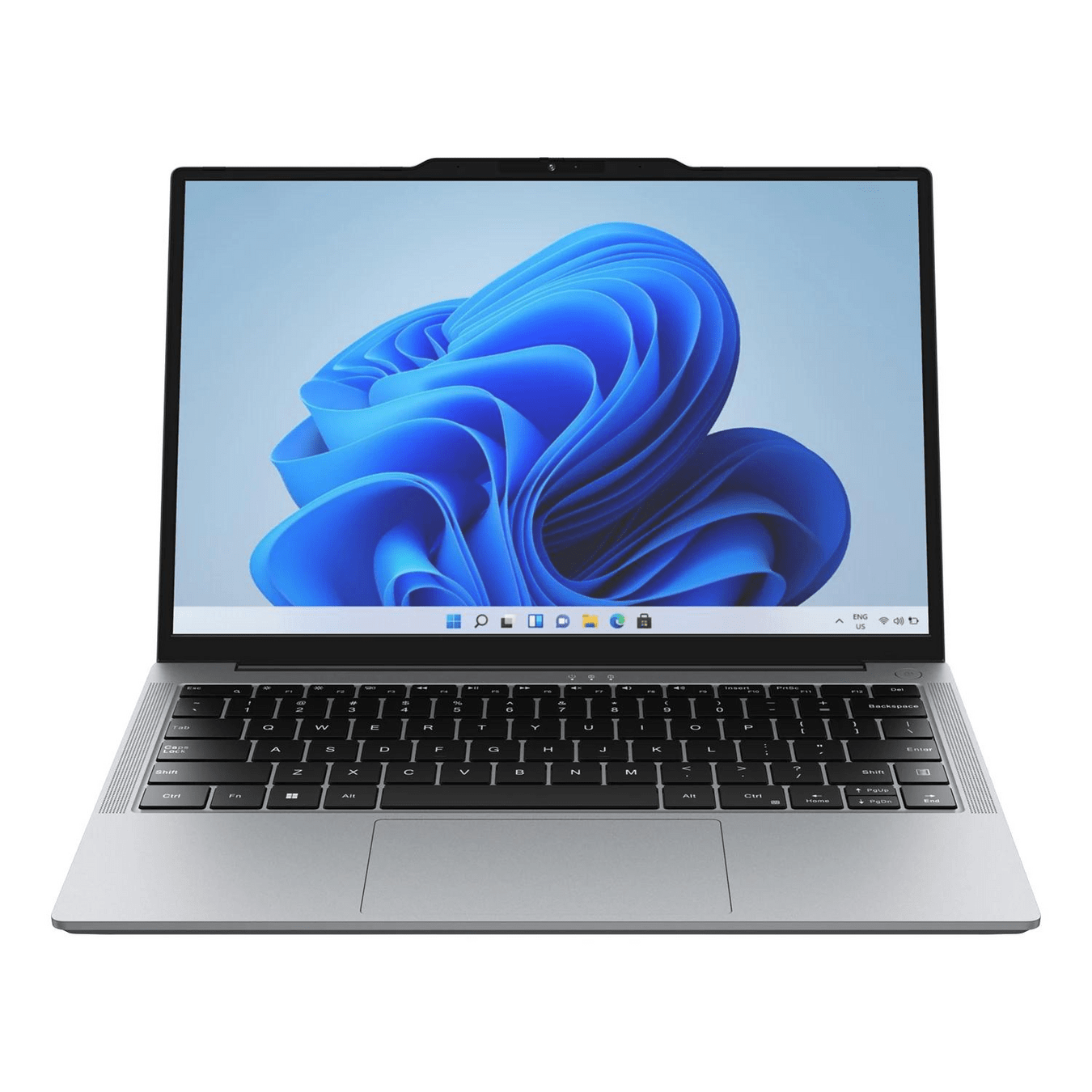

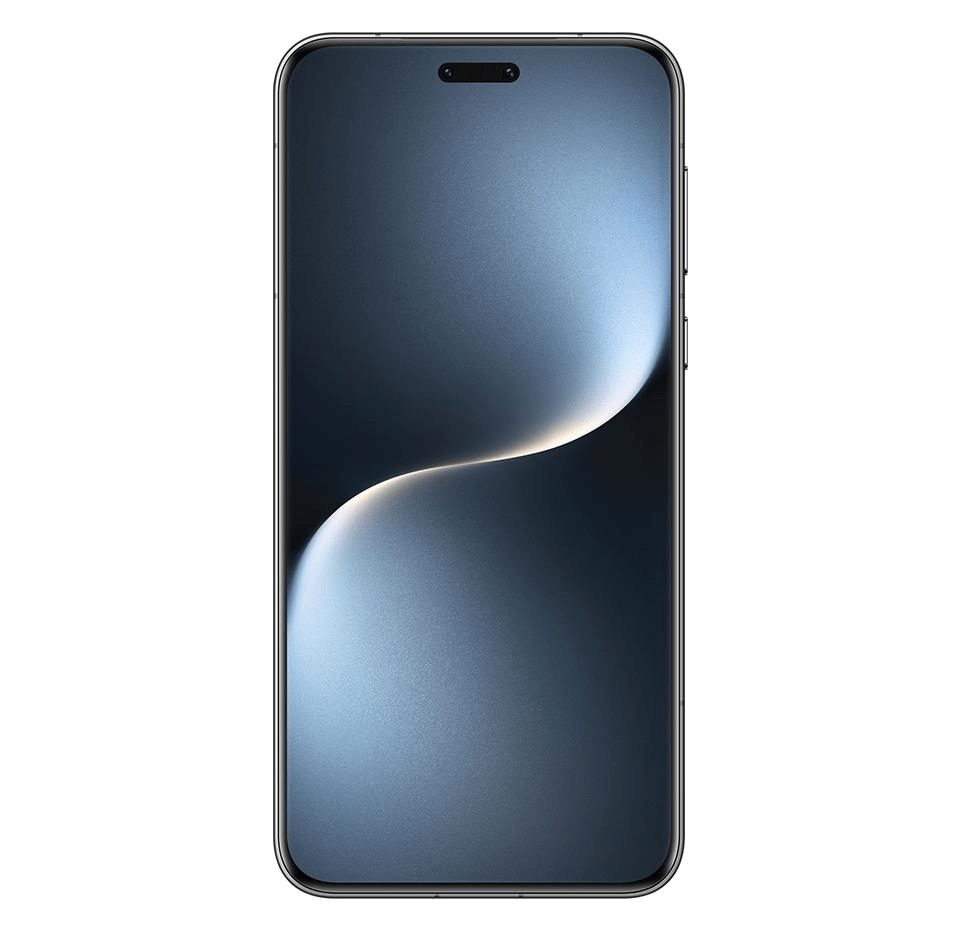
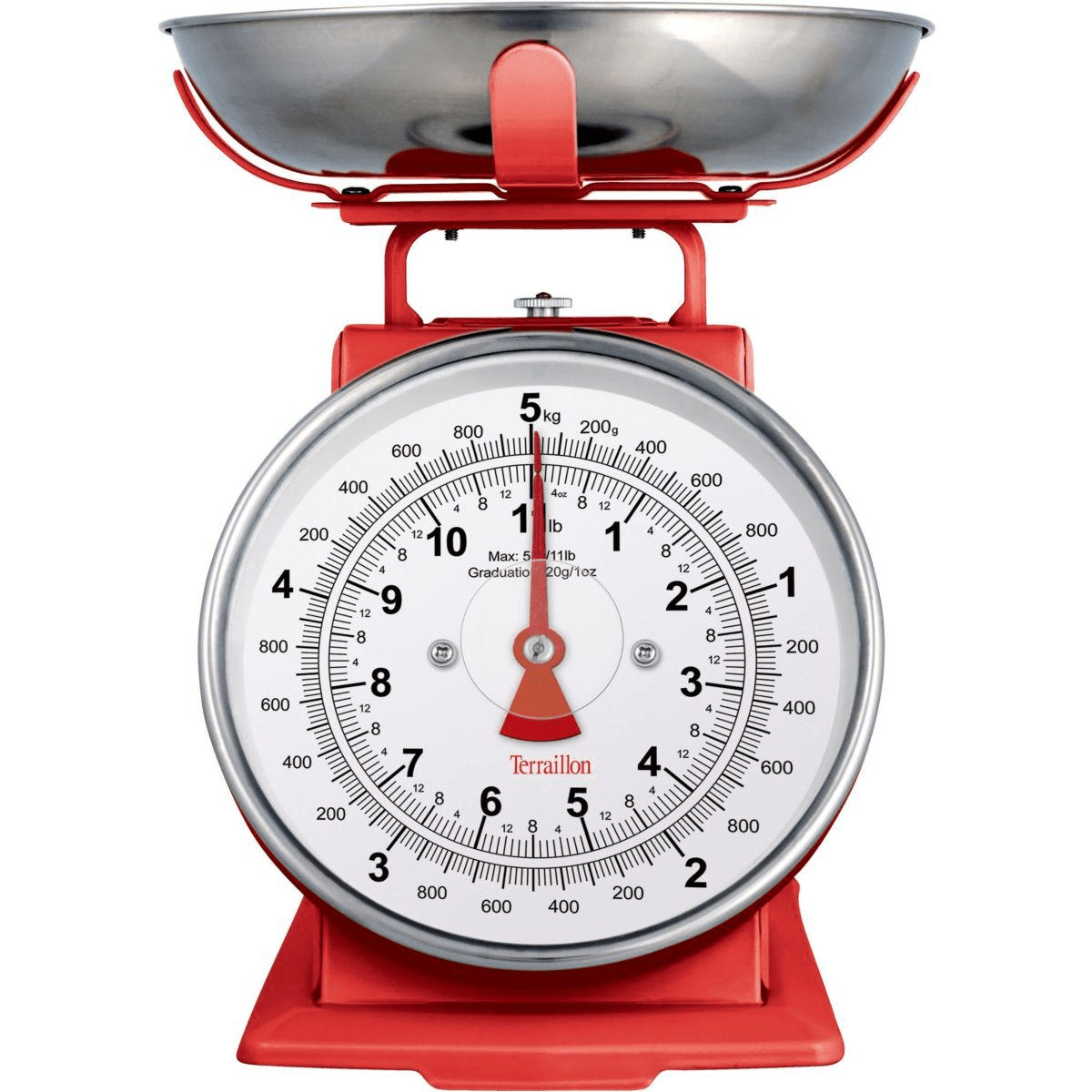
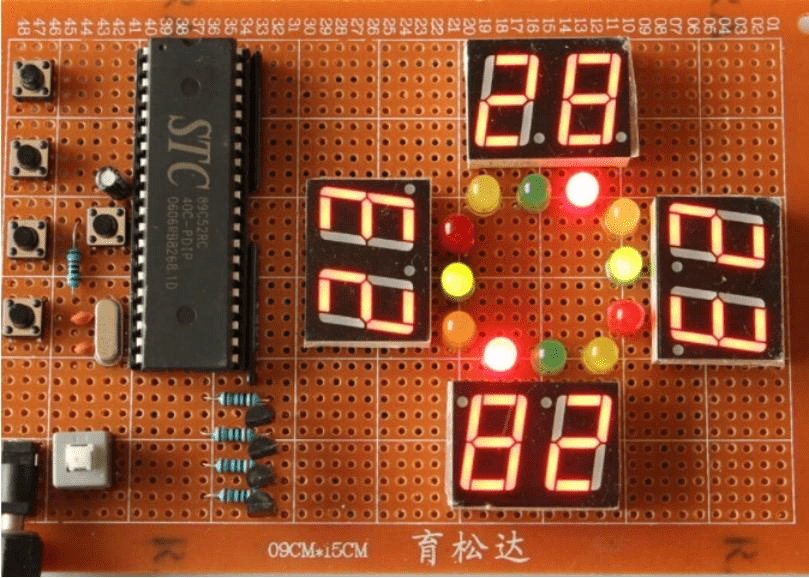
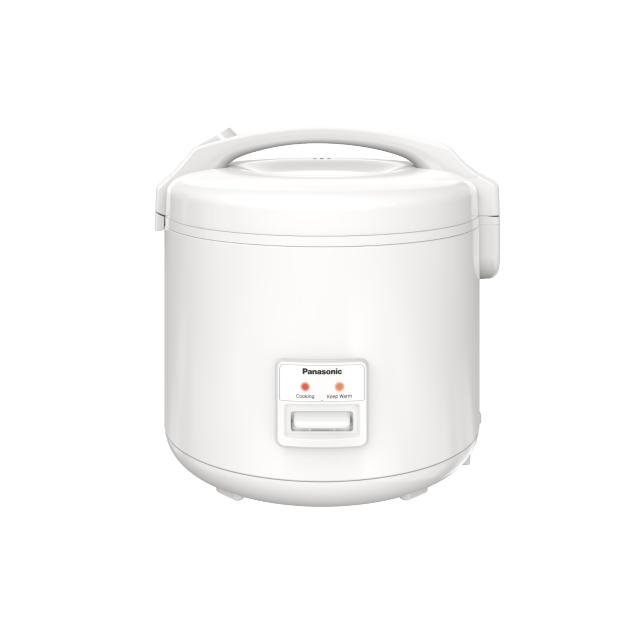
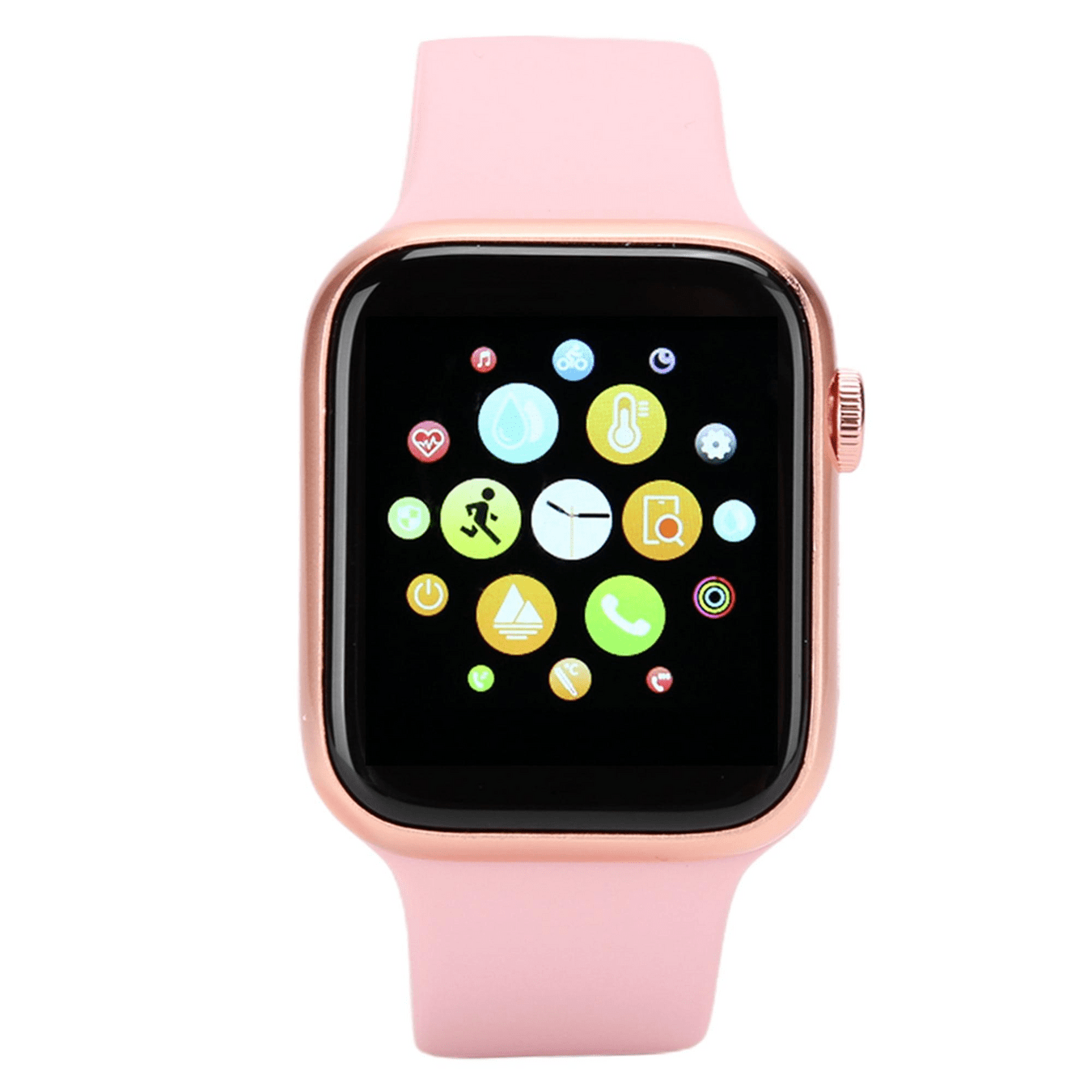
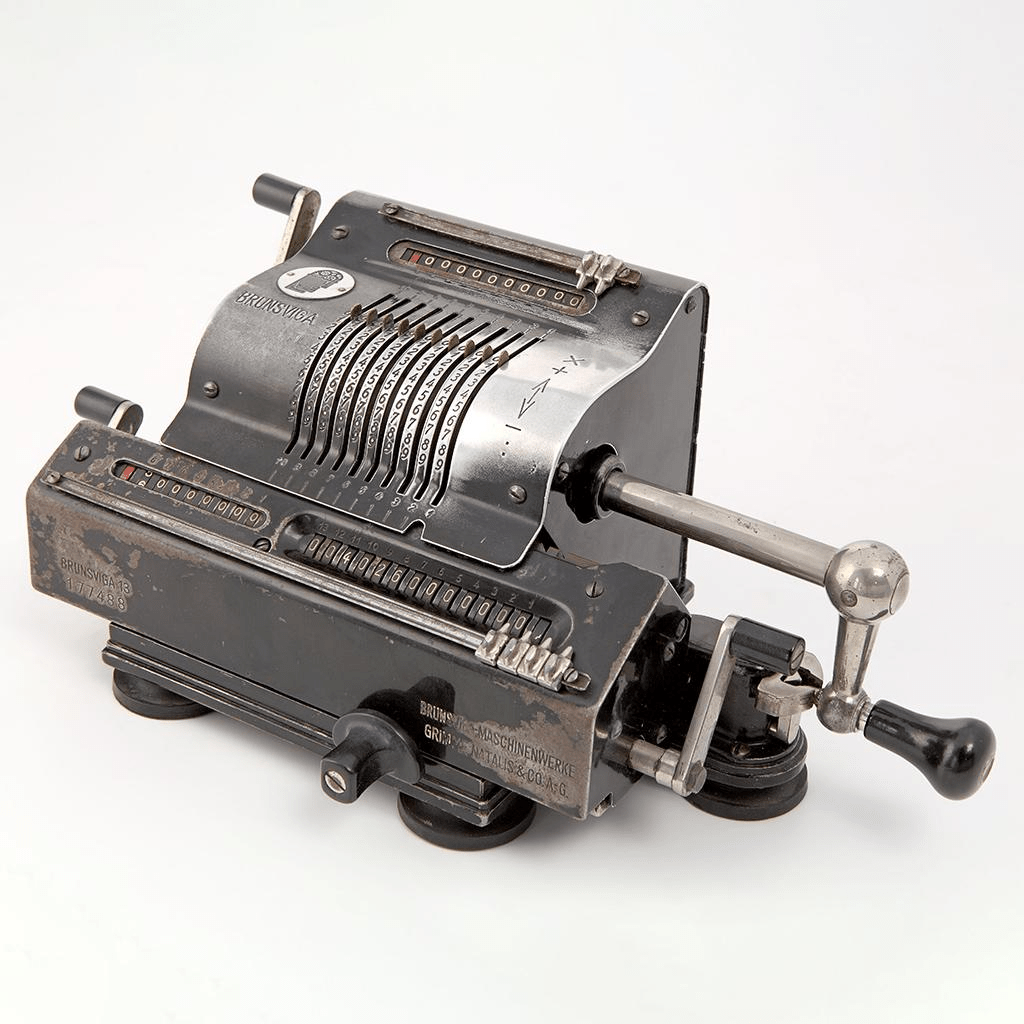
Laptop
Analog Clock
Smartphone
Mechanical Scale
Electronic Traffic Light Controller
Mechanical Rice Cooker
Smartwatch
Mechanical Calculator
Discover what a computer does
You unlock your phone using Face ID
What happened inside the system?
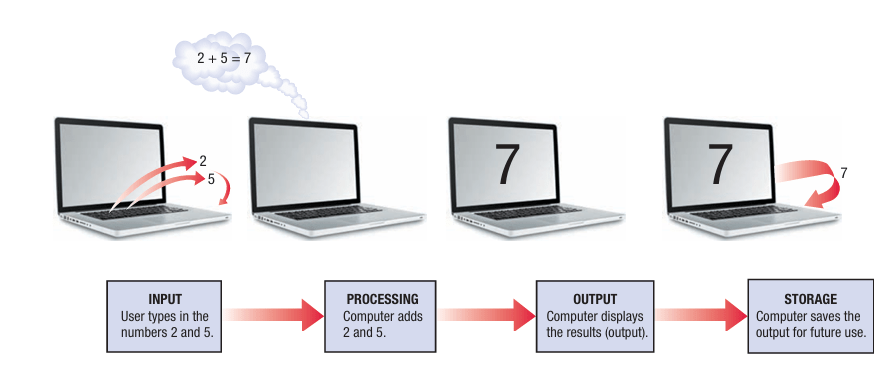
Basic Operations of a Computer System
COMMUNICATION -> sending data to another deviceFace Unlock
- Input →
- Processing
- Storage
- Output
- Communication
Face Unlock
- Input → camera captures face
- Processing →
- Storage
- Output
- Communication
Face Unlock
- Input → camera captures face
- Processing → compares facial features
- Storage →
- Output
- Communication
Face Unlock
- Input → camera captures face
- Processing → compares facial features
- Storage → saved face model
- Output →
- Communication
Face Unlock
- Input → camera captures face
- Processing → compares facial features
- Storage → saved face model
- Output → phone unlocks
- Communication →
Face Unlock
- Input → camera captures face
- Processing → compares facial features
- Storage → saved face model
- Output → phone unlocks
- Communication → not necessarily required
Activity 1: “Break the system”
31, 29, 30, 34, 35, 36, 35
31, 29, 30, 34, 35, 36, 35
->Daily temperature °C in Phnom Penh
31, 29, 30, 34, 35, 36, 35
->Daily temperature °C in Phnom Penh
31, 29, 30, 34, 35, 36, 35
->Daily temperature °C in Phnom Penh
- Calculate the Average?
- Which number is the highest?
31, 29, 30, 34, 35, 36, 35
->Daily temperature °C in Phnom Penh
Average = 32.9°C
Highest = 36°C
Data or Information?
31, 29, 30, 34, 35, 36, 35
->Daily temperature °C in Phnom Penh
Average = 32.9°C
Highest = 36°C
Information
31, 29, 30, 34, 35, 36, 35
->Daily temperature °C in Phnom Penh
Average = 32.9°C
Highest = 36°C
Data
Find the data and the information related to
Student exam
Find the data and the information related to
Coffee shop
Computer Hardware
Find as many computer hardware devices as possible in this classroom

Scan QR Code here
Mentimeter Participation Rules
-
Be respectful and use appropriate language.
-
Do not submit offensive, insulting, or harassing words or comments.
-
Keep your answers relevant to the question.
-
Remember: Anonymity does not mean you can be disrespectful.
Let's keep this activity fun, respectful, and welcoming for everyone!
Devices
INPUT:
PROCESSING:
OUTPUT:
STORAGE:
COMMUNICATION:
The Five Basic Computer Operations and Their Hardware
Input Device
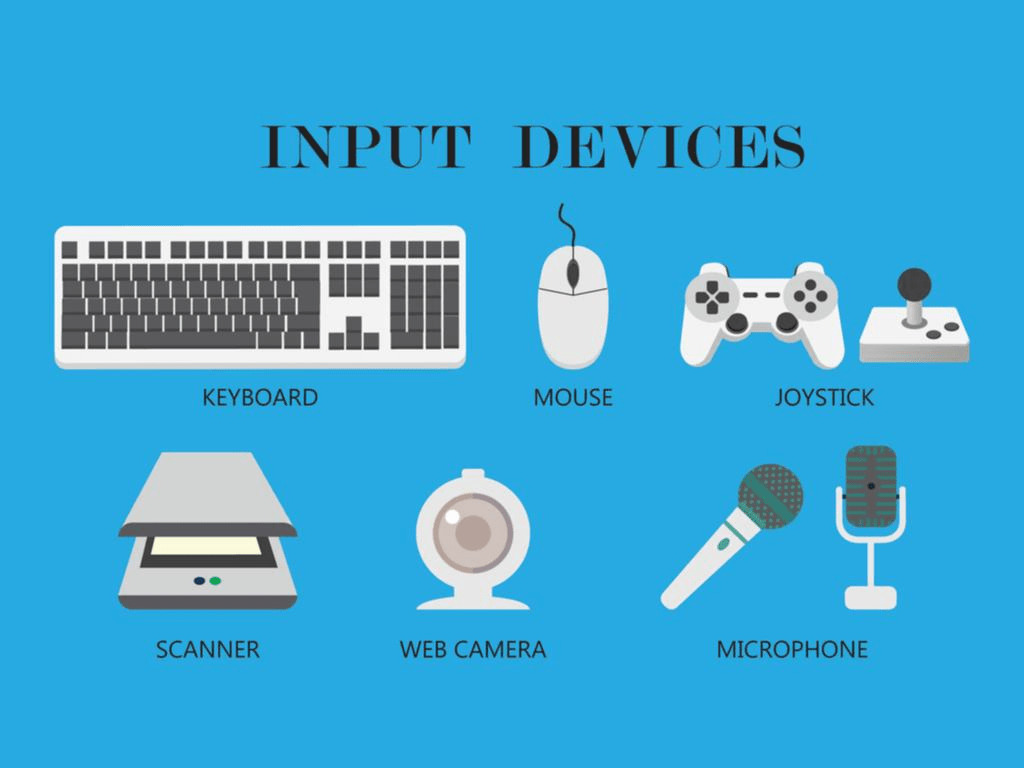
- Used to input data into the computer
- Keyboards, mice, scanners, cameras, microphones, touch pads, touch screens, fingerprint readers, etc.
The Five Basic Computer Operations and Their Hardware
Processing Devices
- Perform calculations and control computer’s operation
- Central processing unit (CPU) and GPU
The Five Basic Computer Operations and Their Hardware
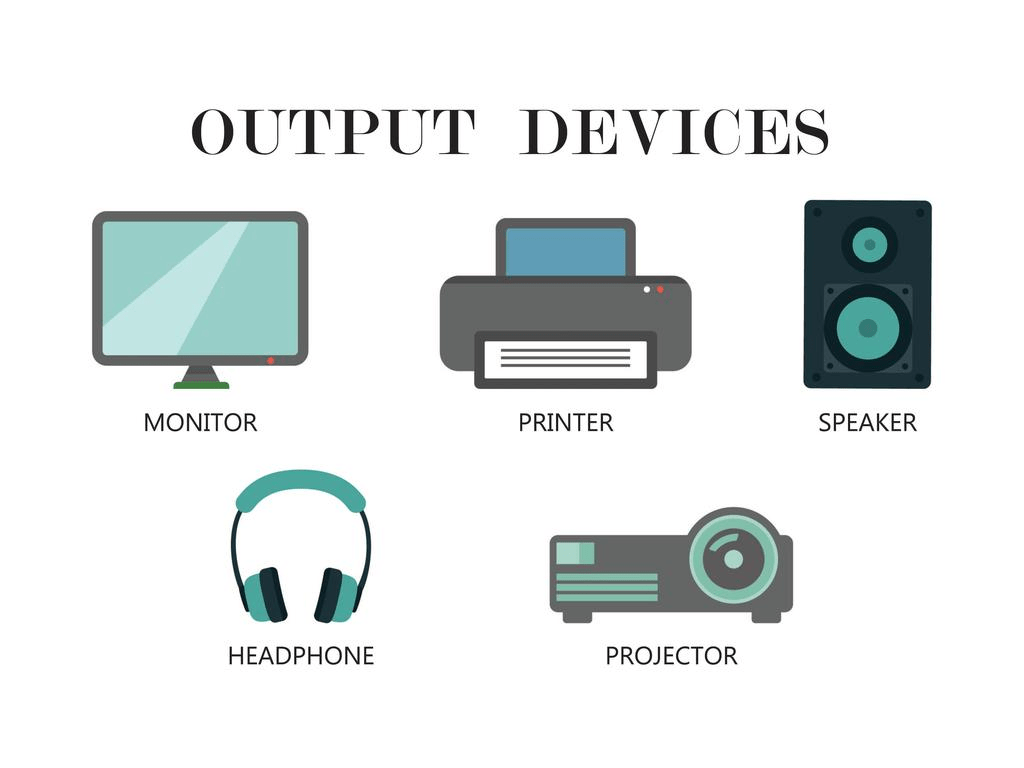
Output Devices
- Present results to the user
- Monitors, printers, speakers, projectors, etc.
The Five Basic Computer Operations and Their Hardware
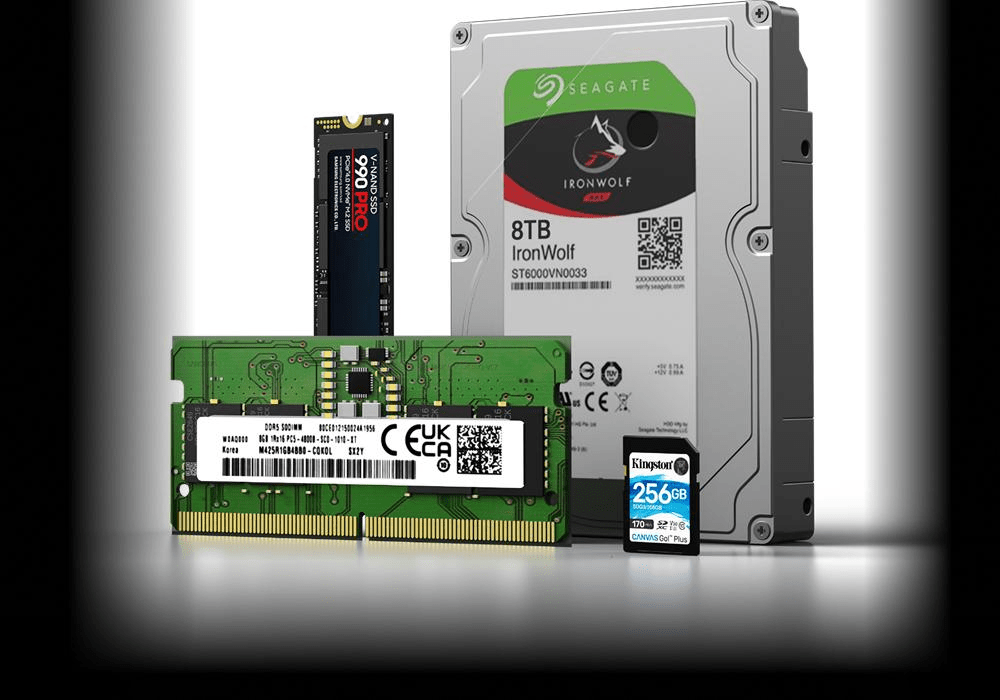
Storage Devices
- Used to store data on or access data from storage media
- Hard drives, CD/DVD discs and drives, USB flash drives, etc.
The Five Basic Computer Operations and Their Hardware
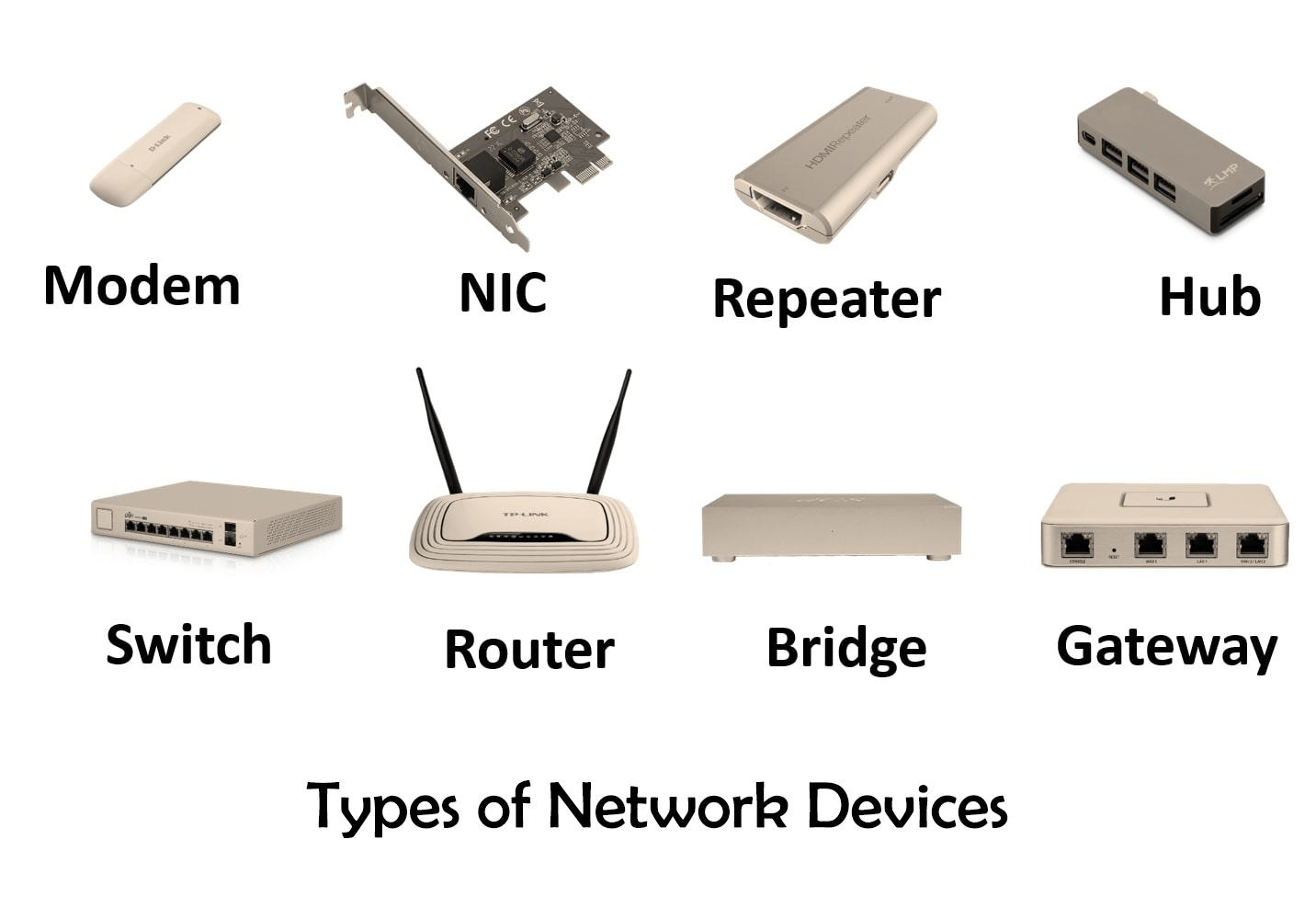
Communications Devices
- Allow users to communicate with others and to electronically access remote information
- Modems, network adapters, routers, etc.
Hardware vs. software
You buy a brand-new laptop. It has CPU, RAM, SSD, keyboard and screen.
But there is no operating system.
Hardware vs. software
You buy a brand-new laptop. It has CPU, RAM, SSD, keyboard and screen.
But there is no operating system.
Is it useful? Why?
Hardware vs. software
You buy a brand-new laptop. It has CPU, RAM, SSD, keyboard and screen.
But there is no operating system.
Is it useful? Why?
Hardware = physical
Software = instructions
System vs Application Software
System Software
Application Software
System vs Application Software
System Software
Application Software
- Windows
- macOS
- Linux
- Android
- Chrome
- Telegram
- Photoshop
- Microsoft Word
- Games
Computer Zoo
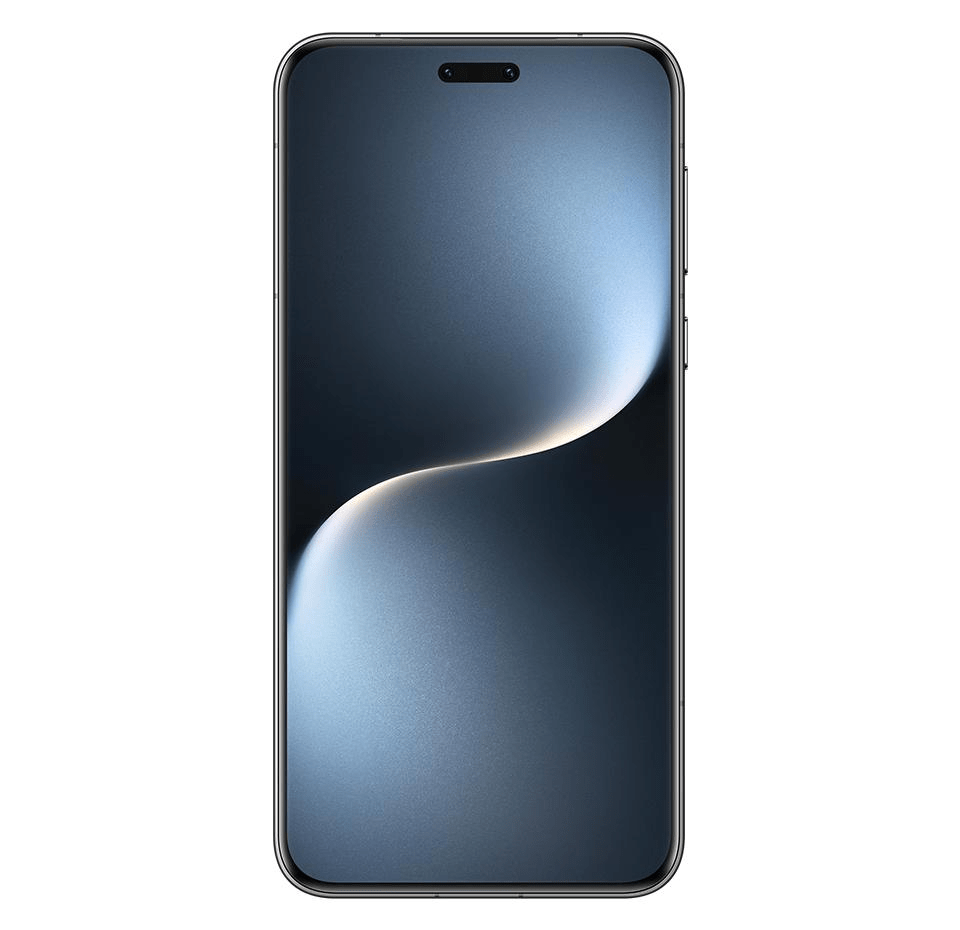
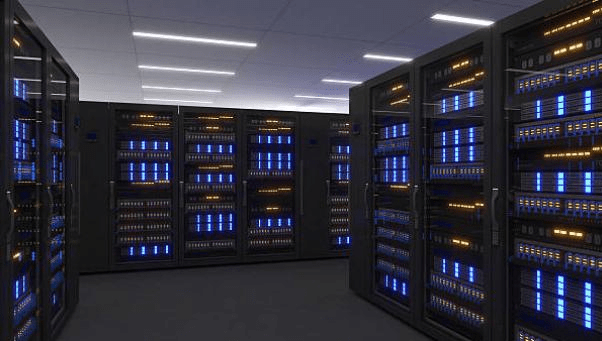
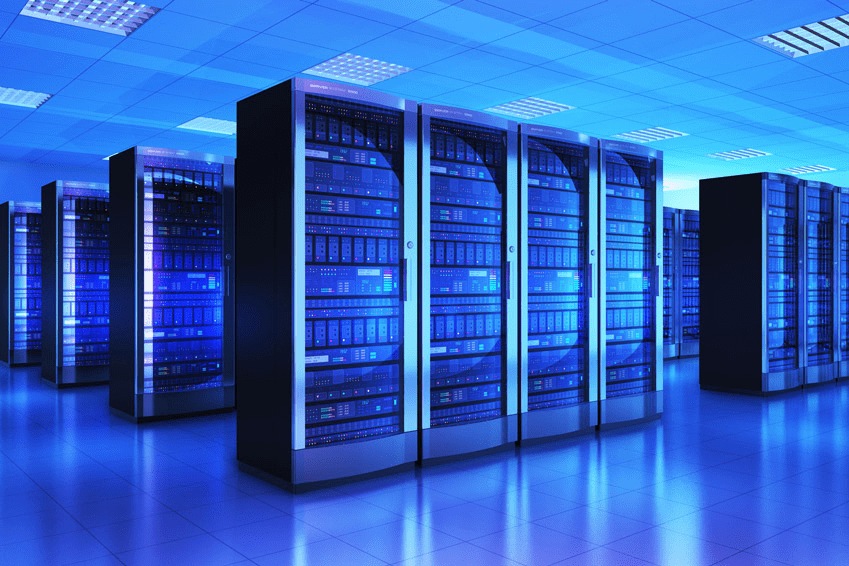
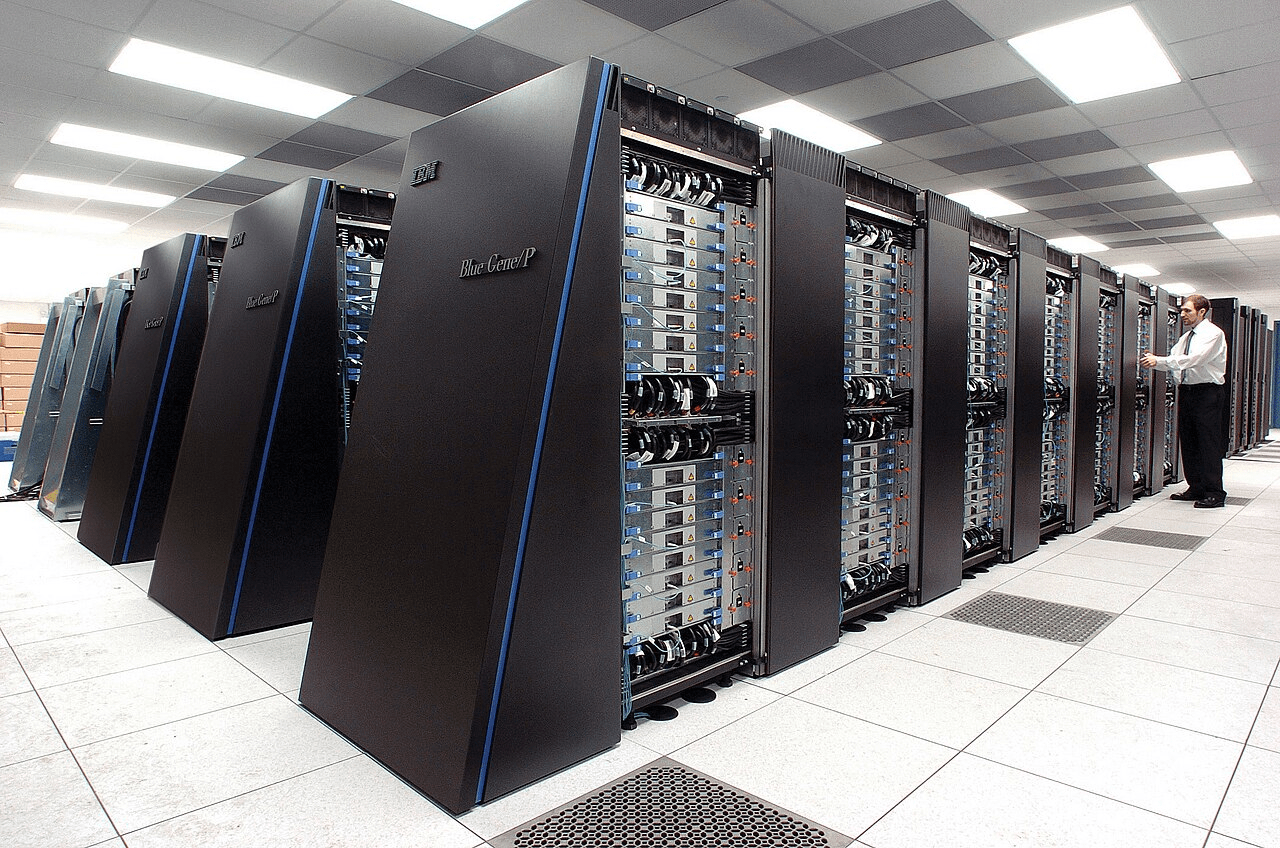
smartphone
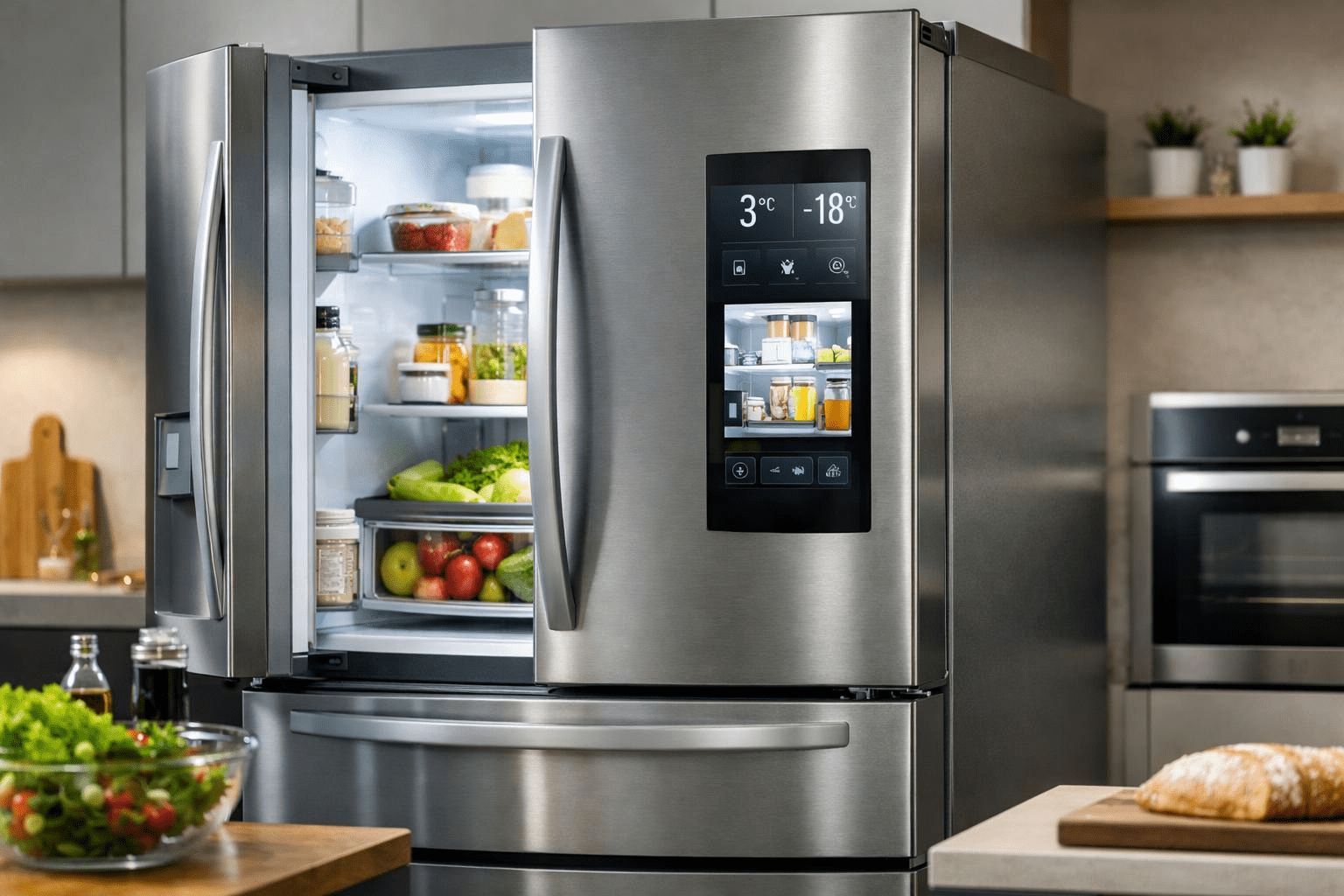
refrigerator
Server Rack
bank data center
Super Computer
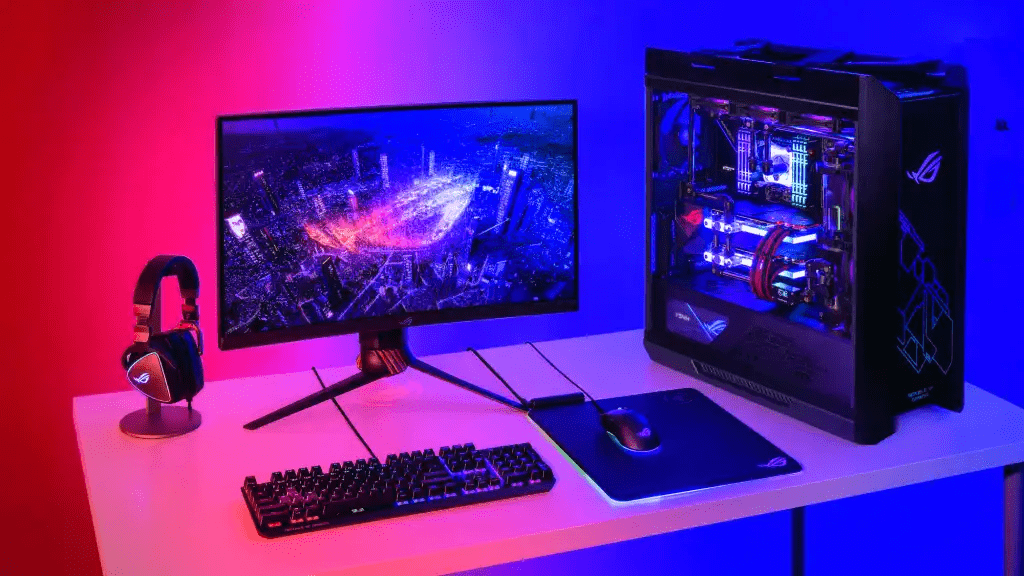
Gaming PC
Put these from smallest to largest
Choose the computer
1. ABA Bank needs to process millions of financial transactions.
Choose the computer
1. ABA Bank needs to process millions of financial transactions.
2. Scientists need to simulate global climate patterns.
Choose the computer
1. ABA Bank needs to process millions of financial transactions.
2. Scientists need to simulate global climate patterns.
3. A washing machine automatically controls water and motor speed.
Choose the computer
1. ABA Bank needs to process millions of financial transactions.
2. Scientists need to simulate global climate patterns.
3. A washing machine automatically controls water and motor speed.
4. A student wants to write reports, browse the web and code Python.
Choose the computer
1. ABA Bank needs to process millions of financial transactions.
2. Scientists need to simulate global climate patterns.
3. A washing machine automatically controls water and motor speed.
4. A student wants to write reports, browse the web and code Python.
5. Needs a portable device for GPS navigation, communication, and photos.
Choose the computer
1. ABA Bank needs to process millions of financial transactions.
2. Scientists need to simulate global climate patterns.
3. A washing machine automatically controls water and motor speed.
4. A student wants to write reports, browse the web and code Python.
5. Needs a portable device for GPS navigation, communication, and photos.
6. Needs to make web pages available to thousands of visitors.
Choose the computer
Server
Supercomputer
Embedded
Personal Computer
1. ABA Bank needs to process millions of financial transactions.
2. Scientists need to simulate global climate patterns.
3. A washing machine automatically controls water and motor speed.
4. A student wants to write reports, browse the web and code Python.
5. Needs a portable device for GPS navigation, communication, and photos.
6. Needs to make web pages available to thousands of visitors.
Mobile Device
Mainframe
Exit Ticket
1. Give one example of INPUT → PROCESSING → OUTPUT, Storage.
2. Is Android hardware, system software, or application software?
3. What type of computer would you find inside a smart washing machine?
4. Explain one difference between data and information.
5. One thing I still don't understand is _______.