Processing and Memory
ITEC 101: Introduction to Information Technology

Mr. Seng Theara
Learning Outcome
-
Explain how computers represent numbers, text, images, and other digital data using binary.
-
Convert numbers between decimal, binary, and hexadecimal systems, and encode and decode characters using ASCII.
-
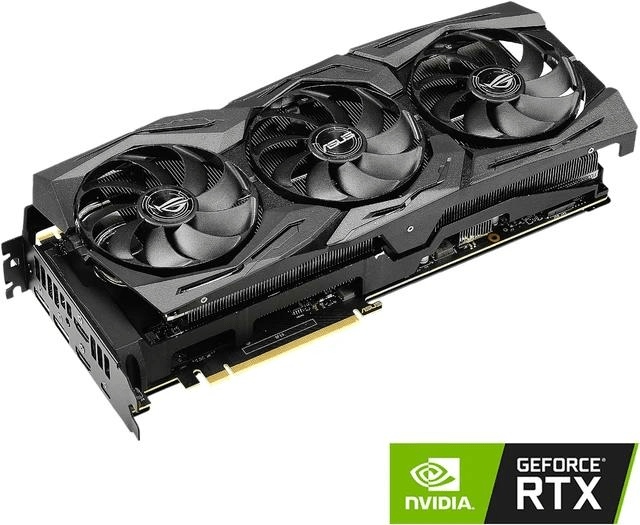
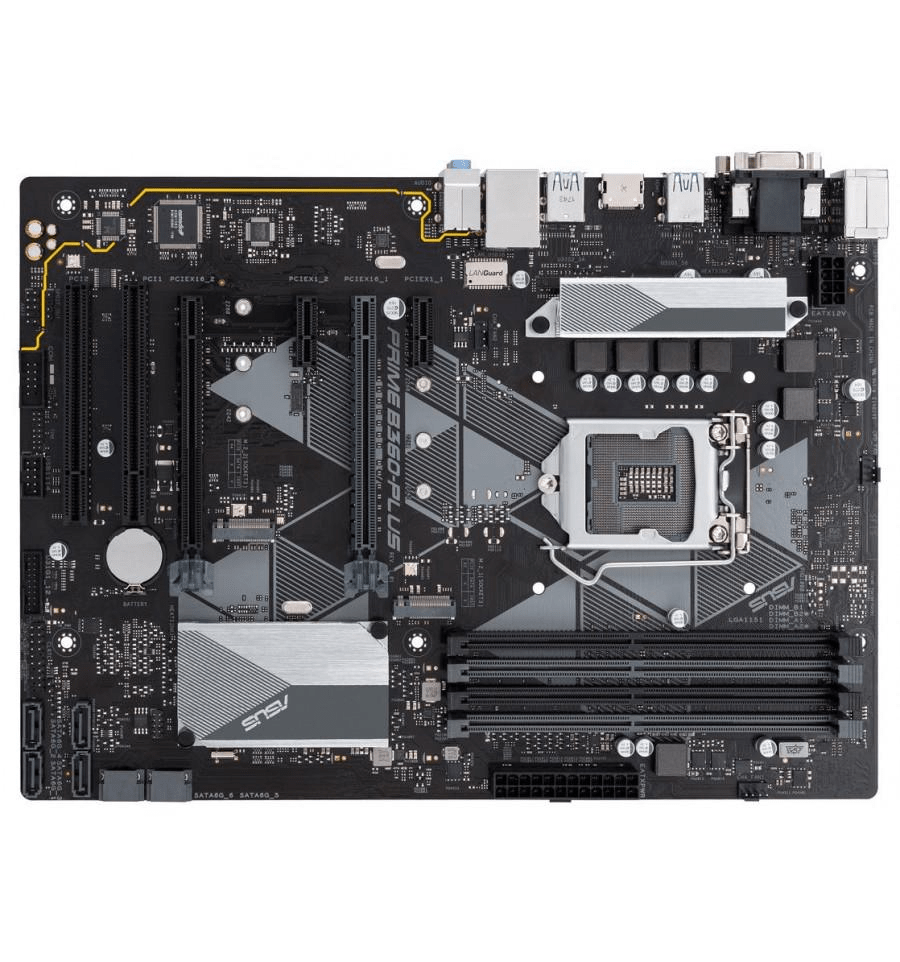
Identify major computer hardware components, including the CPU, GPU, RAM, motherboard, and storage, and describe their functions.
-
Explain how the CPU processes instructions through the fetch–decode–execute cycle and how memory supports processing.
-
Differentiate between RAM, ROM, cache memory, and secondary storage based on their functions and characteristics.
-
Evaluate basic computer performance factors, including processor speed, number of cores, memory capacity, and cooling, to recommend appropriate hardware improvements.
The Mystery Inside Your Computer
Prediction
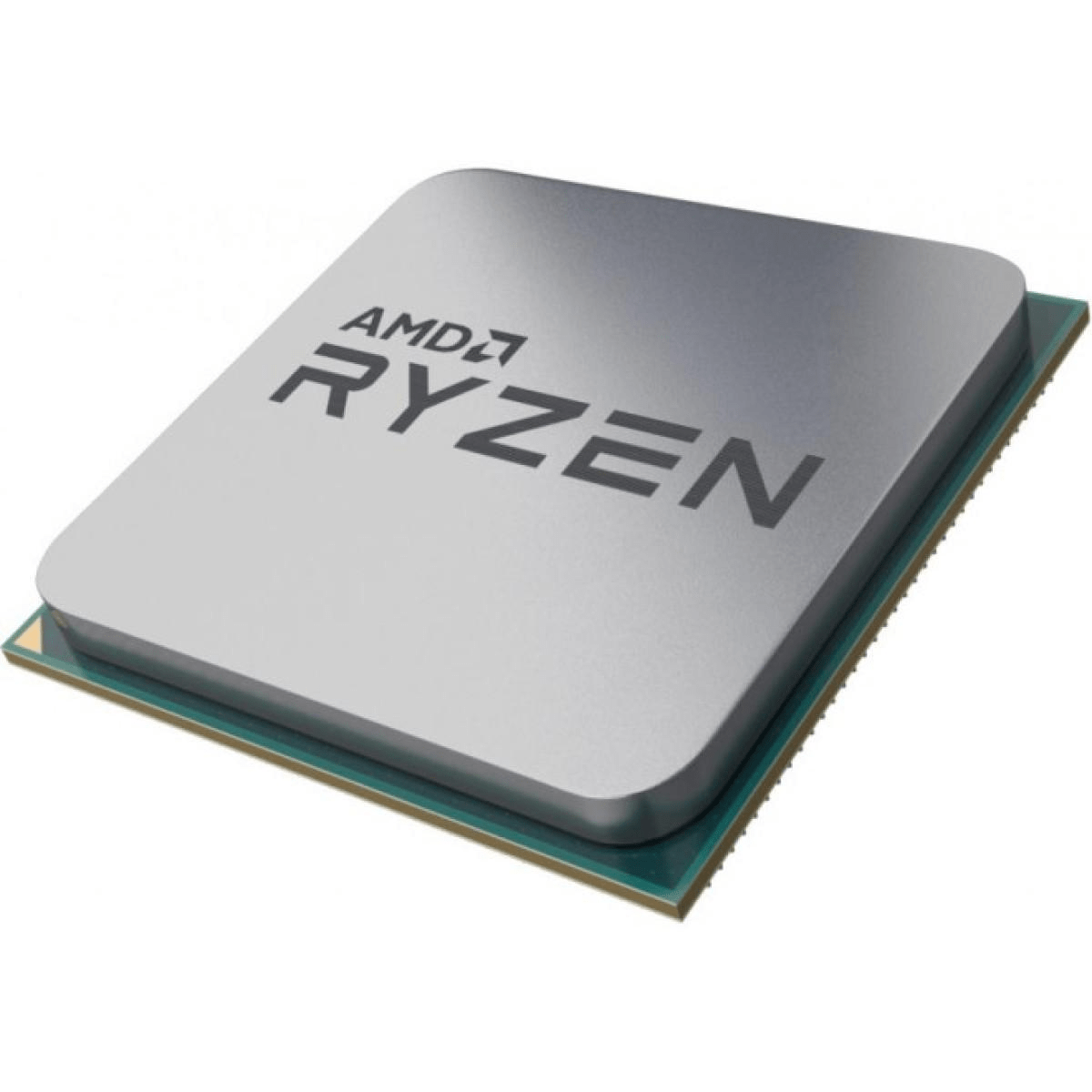
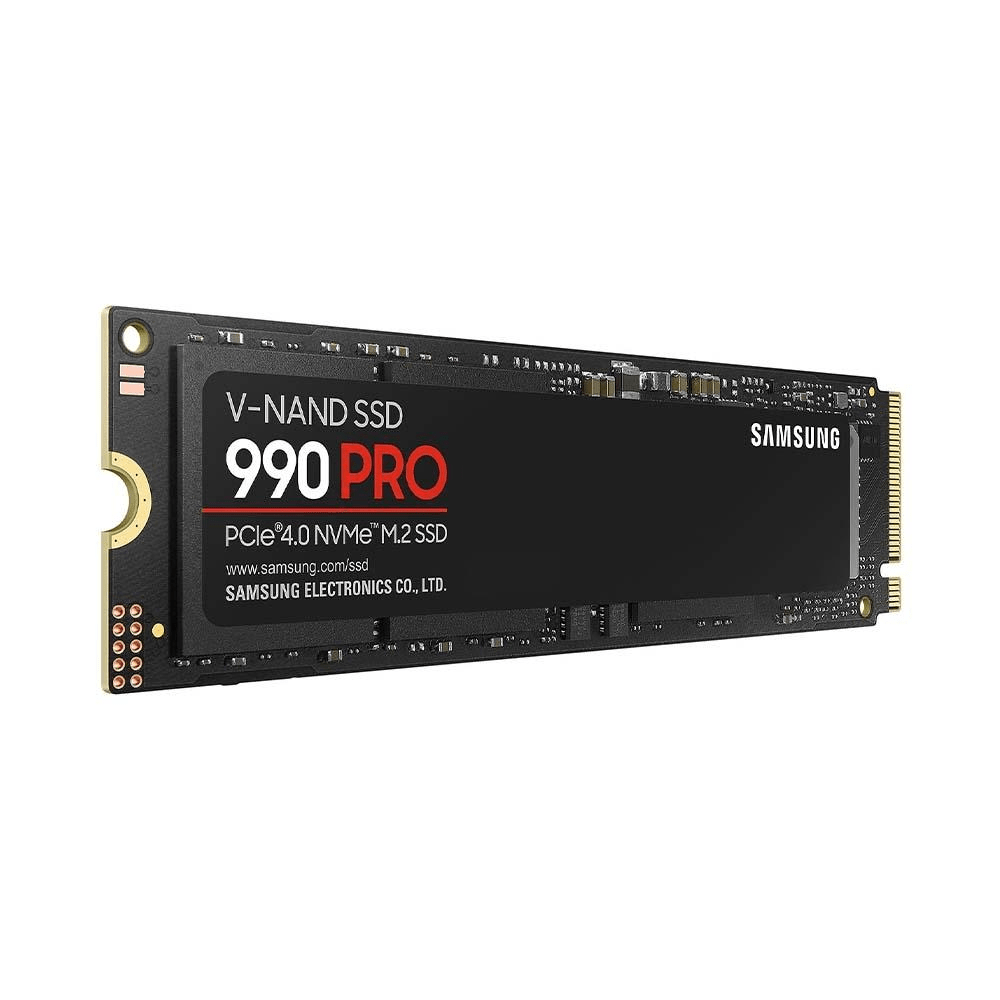
Which component actually executes the program's instructions?
Prediction
If the CPU is the brain of the computer, can a computer work with only a CPU?
Prediction
If the CPU is the brain of the computer, can a computer work with only a CPU?
The CPU executes instructions, but a computer works because its components cooperate.
The Mystery inside your computer
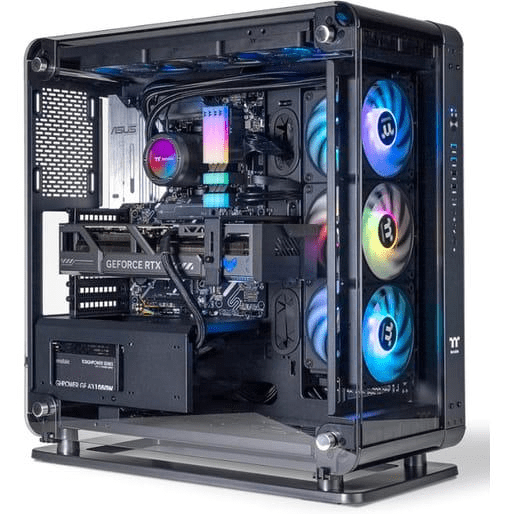
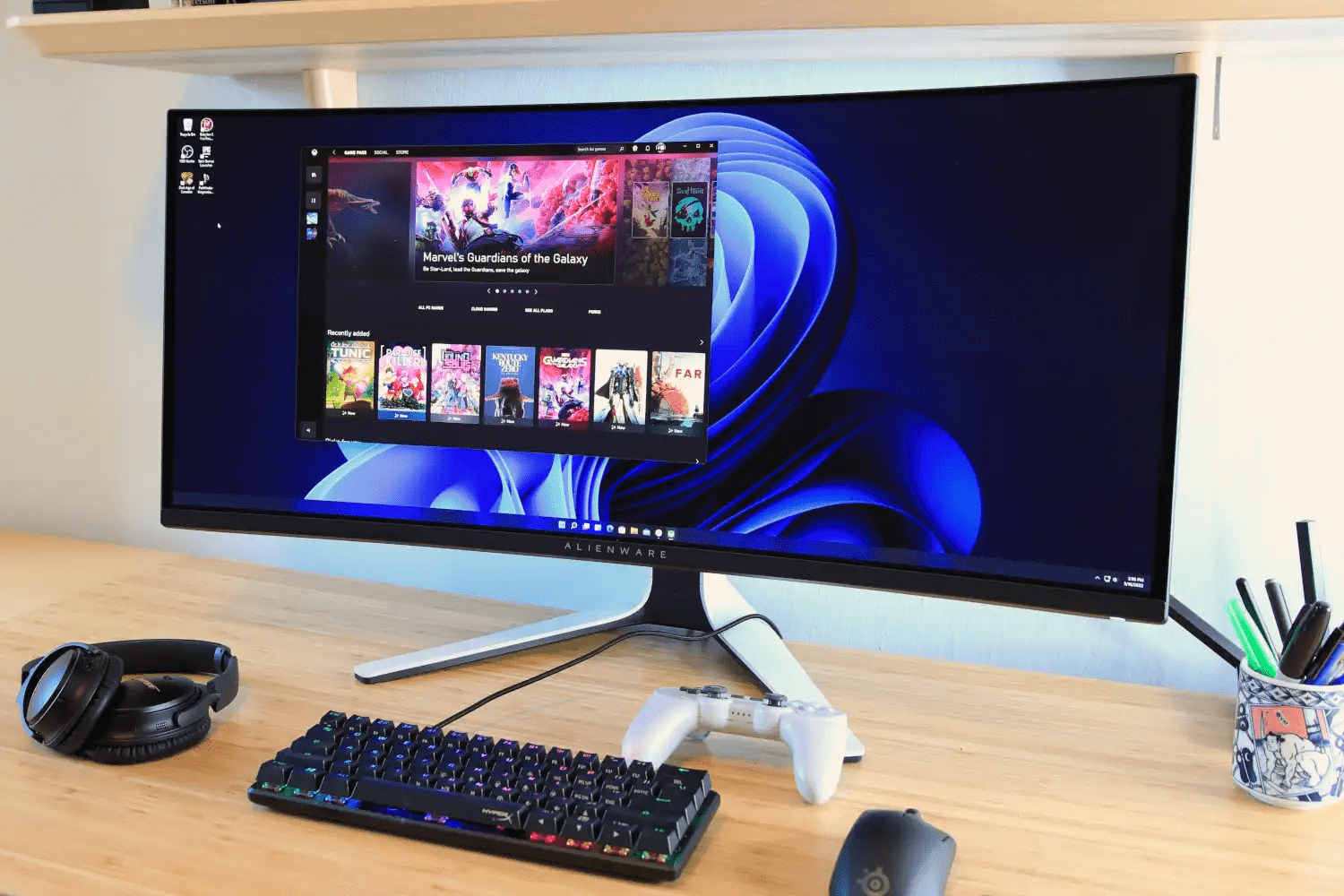
When you open Google Chrome, what parts of your computer start working?"
Follow the journey
Follow the journey
Follow the journey
Follow the journey
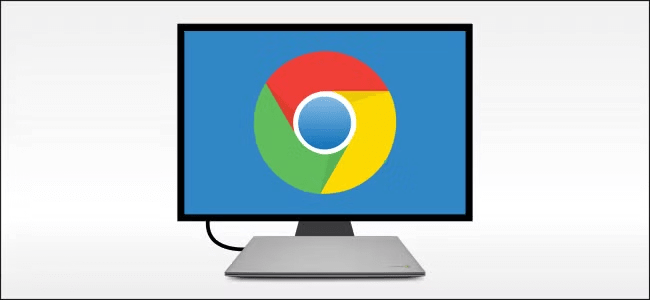
Follow the journey
-
SSD: Stores Google Chrome.
-
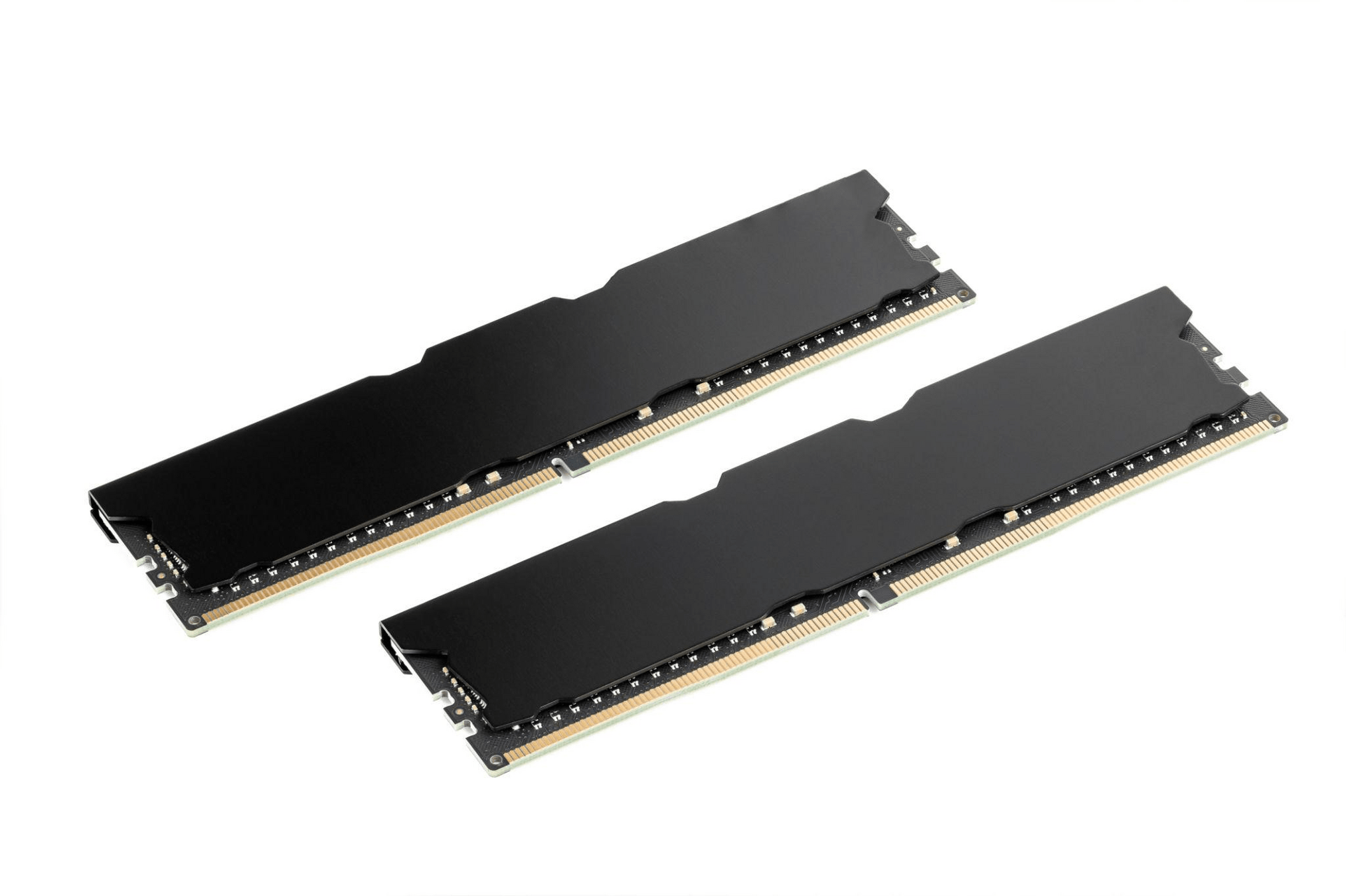
RAM: Holds Chrome's instructions and working data while it runs.
-
CPU: Executes Chrome's program instructions.
-
Display: Shows the browser window
How Computers Understand Information
How Computers Understand Information
Humans vs. Computers
How Computers Understand Information
Humans vs. Computers
Hello
How Computers Understand Information
Humans vs. Computers
Hello
25
How Computers Understand Information
Humans vs. Computers
Hello
25

How Computers Understand Information
Humans vs. Computers
Hello
25
Can a computer understand these exactly as we see them?
How Computers Represent Numbers and Text
47
101111
2F
How Computers Represent Numbers and Text
47
101111
2F
Base 10
How Computers Represent Numbers and Text
47
101111
2F
Base 10
Decimal
How Computers Represent Numbers and Text
47
101111
2F
Base 10
Decimal
Base 2
How Computers Represent Numbers and Text
47
101111
2F
Base 10
Decimal
Base 2
Binary
How Computers Represent Numbers and Text
47
101111
2F
Base 10
Decimal
Base 2
Base 16
Binary
How Computers Represent Numbers and Text
47
101111
2F
Base 10
Decimal
Base 2
Base 16
Binary
Hexadecimal
How Computers Represent Numbers and Text
47
101111
2F
Base 10
Decimal
Base 2
Base 16
Binary
Hexadecimal
Are these three different numbers, or do they represent the same value?
Number System
System
Base
Symbol
Binary
Base 2
0, 1
Decimal
Base 10
0-9
Hexadecimal
Base 16
0-9, A-F
Number System
Convert the Binary Number Below to Decimal and Hexadecimal
1001010
Number System
Convert the Binary Number Below to Decimal and Hexadecimal
1100110100101
Number System
Convert the Decimal Number Below to Binary and Hexadecimal
100
Number System
Convert the Decimal Number Below to Binary and Hexadecimal
4567
Number System
Convert the Hexadecimal Number Below to Binary and Decimal
16F
Number System
Convert the Hexadecimal Number Below to Binary and Decimal
A1C2F
How Does a Computer Understand the Letter A?
A
How Does a Computer Understand the Letter A?
A
65
Decimal ASCII
How Does a Computer Understand the Letter A?
A
65
Decimal ASCII
01000001
binary
How Does a Computer Understand the Letter A?
A
65
Decimal ASCII
01000001
Binary (8-Bit)
-
ASCII stands for American Standard Code for Information Interchange.
-
ASCII assigns numeric codes to letters, digits, symbols, and control characters.
-
Standard ASCII uses 7 bits and represents 128 codes (0–127).
-
The 8-bit binary shown above includes a leading zero.
ASCII Table
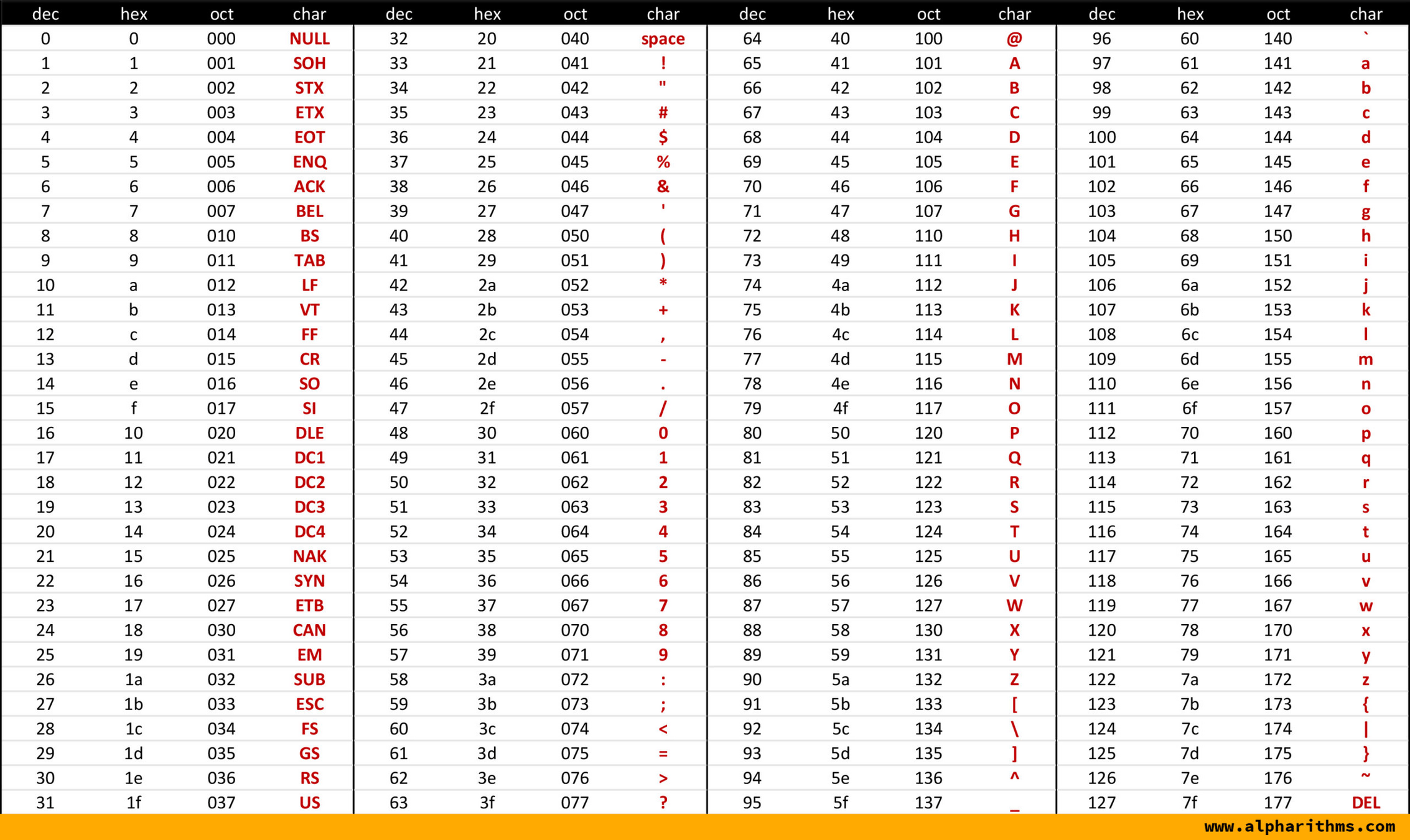
Convert Text to binary Number
Convert aupp to Binary Number
Convert Text to binary Number
aupp
97
01100001
117
01110101
112
01110000
112
01110000
Convert aupp to Binary Number
Convert Text to binary Number
Convert aupp to Binary Number
aupp
01100001 01110101 01110000 01110000
Convert Text to binary Number
Convert the text below to Binary Number
ERROR 404!
Convert Text to binary Number
Convert the text below to Binary Number
ERROR 404!
01000101 01010010 01010010 01001111 01010010
00100000 00110100 00110000 00110100 00100001
Can ASCII Represent Khmer Text?
Can ASCII Represent Khmer Text?
សួស្តី
Unicode
Supports Khmer and many other writing systems
Can ASCII Represent Khmer Text?
សួស្តី
Unicode
Supports Khmer and many other writing systems
ស U+179F 11100001 10011110 10011111
Khmer character ស requires 3 bytes in UTF-8, while A requires only 1 byte.
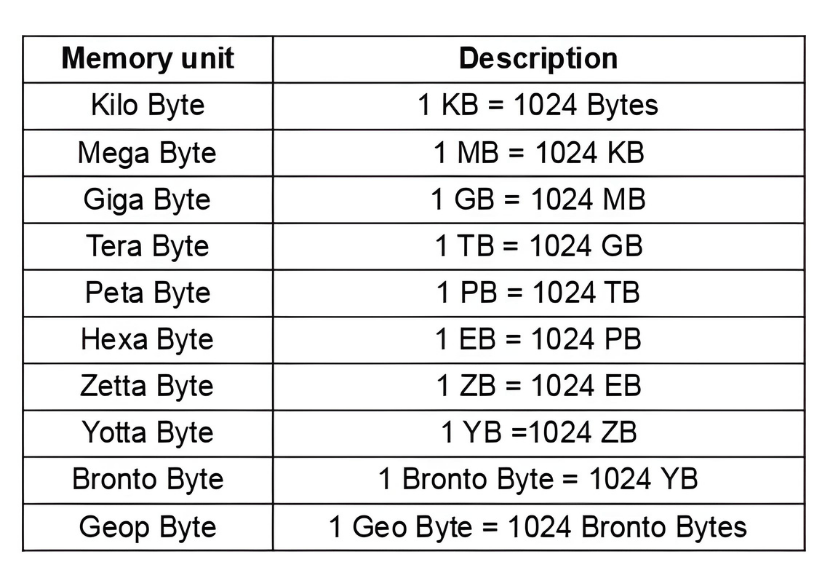
Digital Data representation
Digital Data representation
If your laptop has a 512 GB SSD, Windows may show approximately 477 GB of capacity.
Why?
Image, video, and audio
what do you think of when we talk about an image ?
what do you think of when we talk about an image ?
Calculate the size of this image

408
612
Bit Depth
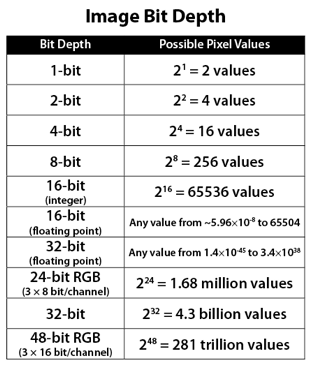
Example of some bit depth color devices
Example of some bit depth color devices
1 Bit Depth
Example of some bit depth color devices
1 Bit Depth
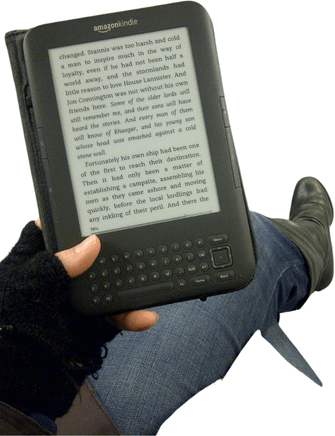
Example of some bit depth color devices
1 Bit Depth
4 Bit Depth
Example of some bit depth color devices
1 Bit Depth
4 Bit Depth
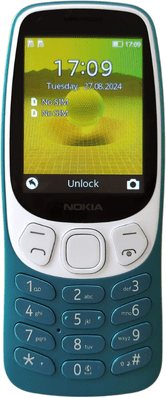
Example of some bit depth color devices
1 Bit Depth
16 Bit Depth
4 Bit Depth
Example of some bit depth color devices
1 Bit Depth
16 Bit Depth
4 Bit Depth
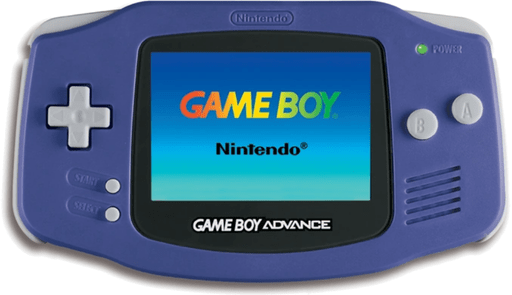
Example of some bit depth color devices
1 Bit Depth
16 Bit Depth
4 Bit Depth
24 Bit Depth
Example of some bit depth color devices
1 Bit Depth
16 Bit Depth
4 Bit Depth
24 Bit Depth

Video
Video
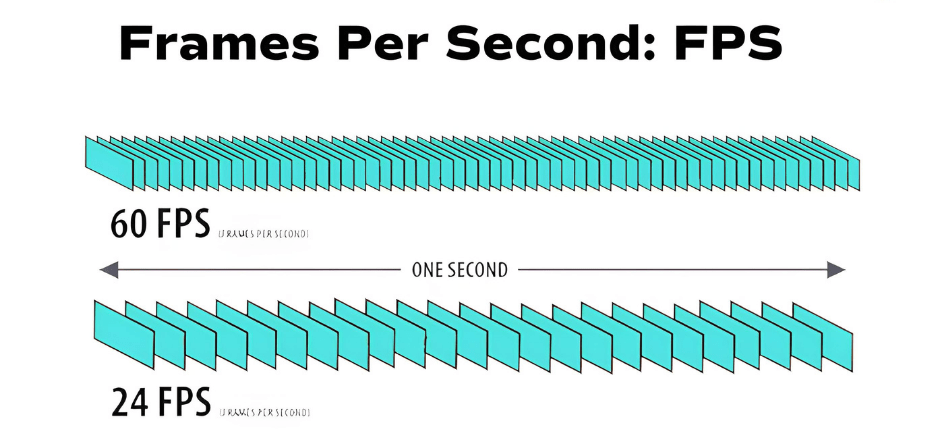
A video is a sequence of images (frames) played rapidly to create motion.
Frame rate refers to how many frames (images) are displayed per second.